Alright folks, let’s dig into this whole email organization thing. If you’re anything like me, your email inbox probably often looks like a chaotic blend of work, personal messages, advertisements, and lord-knows-what-else. And we don’t need that kind of mess in our lives, right? So, let’s break down how you can unclog that digital vortex and make your inbox a serene space you’ll actually want to open.
Why Bother Clearing Out Emails?
A messy email inbox isn’t just an eyesore. It’s a productivity killer. Each time you open your inbox and see hundreds (or thousands) of unread messages, your brain feels the weight of all those tiny, floating tasks. Even if you’re not actively stressed about it, that clutter can gnaw at your focus and make it super hard to dive into more important tasks. So, cleaning up your inbox isn’t just about having things neat and tidy—it’s about mental clarity and efficiency too.
Step One: Unsubscribe Like It’s Going Out of Style
First, hunt down all those newsletters, promotional emails, and random membership updates that you’ve never opened—or if you did, you regret it. The best way to declutter is to stop the junk from flooding in. Go through your inbox, find those offenders, and hit that unsubscribe button. Once you’ve unsubscribed, search your mail for those senders and delete all their existing messages. Instant relief!
Step Two: Folders and Labels Are Your Friends
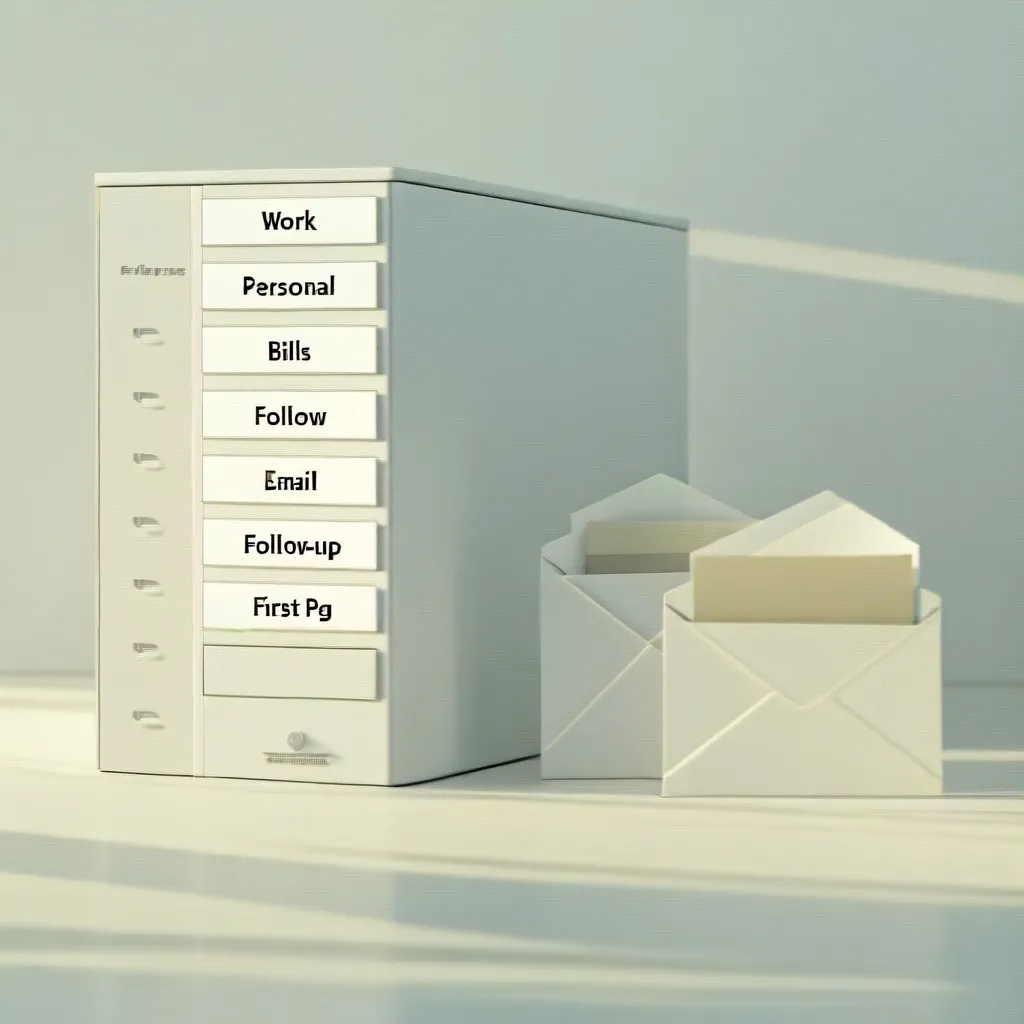
Now that fewer junk mails are coming in, let’s get some structure in place. Think about categories that make sense for you: ‘Work,’ ‘Personal,’ ‘Bills,’ ‘Follow-up’—whatever fits your style. Set up folders and labels accordingly. If you’re working on a specific project, give it its own folder. This way, you can slide related emails into their spots as they come in, making them easy to find when you need them. Simple, right?
Step Three: Filters and Rules To Do the Sorting
Most email setups let you create filters and rules that automatically sort incoming mail. This is huge if you get lots of repeated stuff like newsletters or listservs. Set up these rules to shunt emails from particular senders straight into their appropriate folders. It’s like having a personal assistant who’s always on duty, sorting mail before you even see it.
Step Four: The Daily Grind
Once you’ve got these structures in place, a bit of daily maintenance will keep your inbox from spiraling out of control again. Set aside a few minutes each day to whip that inbox into shape:
- Delete Immediately: Don’t think twice—trash those spammy or irrelevant emails.
- File Immediately: Anything worth keeping? Send it to its folder.
- Reply Quickly: If you can answer an email in under a minute, just do it. Then file or delete it.
- Follow Up: For emails that need more attention, set them in a ‘Follow-up’ folder so they don’t get lost.
Bulk Deletes and Archiving
If your inbox has been out of hand for a while, you’ll probably have a heap of old stuff that needs purging. Bulk deleting and archiving can be your salvation here. Search phrases like “older_than:1y” can help you find and dump emails over a year old. Use the “has:attachment” search to locate bulky emails with no relevance anymore and get rid of them.
Ongoing Maintenance
Unfortunately, decluttering your inbox isn’t something you can do just once and then forget about. Dedicate a little time each week to keep things in check. Set a specific day, like Sunday, to review your inbox and handle any remaining stragglers. This ensures things don’t build up again and your inbox stays a calm, managed space.
The Sweet Benefits
Why put in all this effort? An organized inbox offers a treasure trove of benefits:
- Boosted Productivity: When your inbox isn’t a free-for-all, you can focus better on important tasks without getting sidetracked.
- Less Stress: Fewer emails screaming for attention means a clearer, more relaxed mind.
- Enhanced Focus: When only relevant messages are left, you can think more sharply and make decisions faster.
Email Minimalism: Less is More
Email minimalism is all about stripping down your email life to essentials: fewer emails, better organization, and meaningful communication. Here’s how to ace it:
- Cut Down: Unsubscribe and avoid new mailing lists unless they’re critical.
- Organize: Leverage folders, labels, and filters to keep things neat and findable.
- Prioritize: Only engage with emails that truly matter or require your action.
Making It A Habit
Consistency is key to maintaining a clutter-free inbox. Here are some habitual tweaks:
- Set Reminders: Schedule regular times—daily or weekly—to check and manage your emails.
- Use Tools: Look into email cleaner tools and the features your email service offers to streamline inbox management.
- Stay the Course: Make it a routine and resist the temptation to slack off. The more regularly you do it, the easier it gets.
By consistently following these steps, you can reduce the hassle of a cluttered inbox and increase your productivity and peace of mind. No more diving into an abyss of unread messages and losing track of important tasks! It’s all about creating a manageable, stress-free email environment. So why wait? Start decluttering today.